Install. Create. Manage. Grow

Turn Your WordPress Site Into a Revenue Machine.

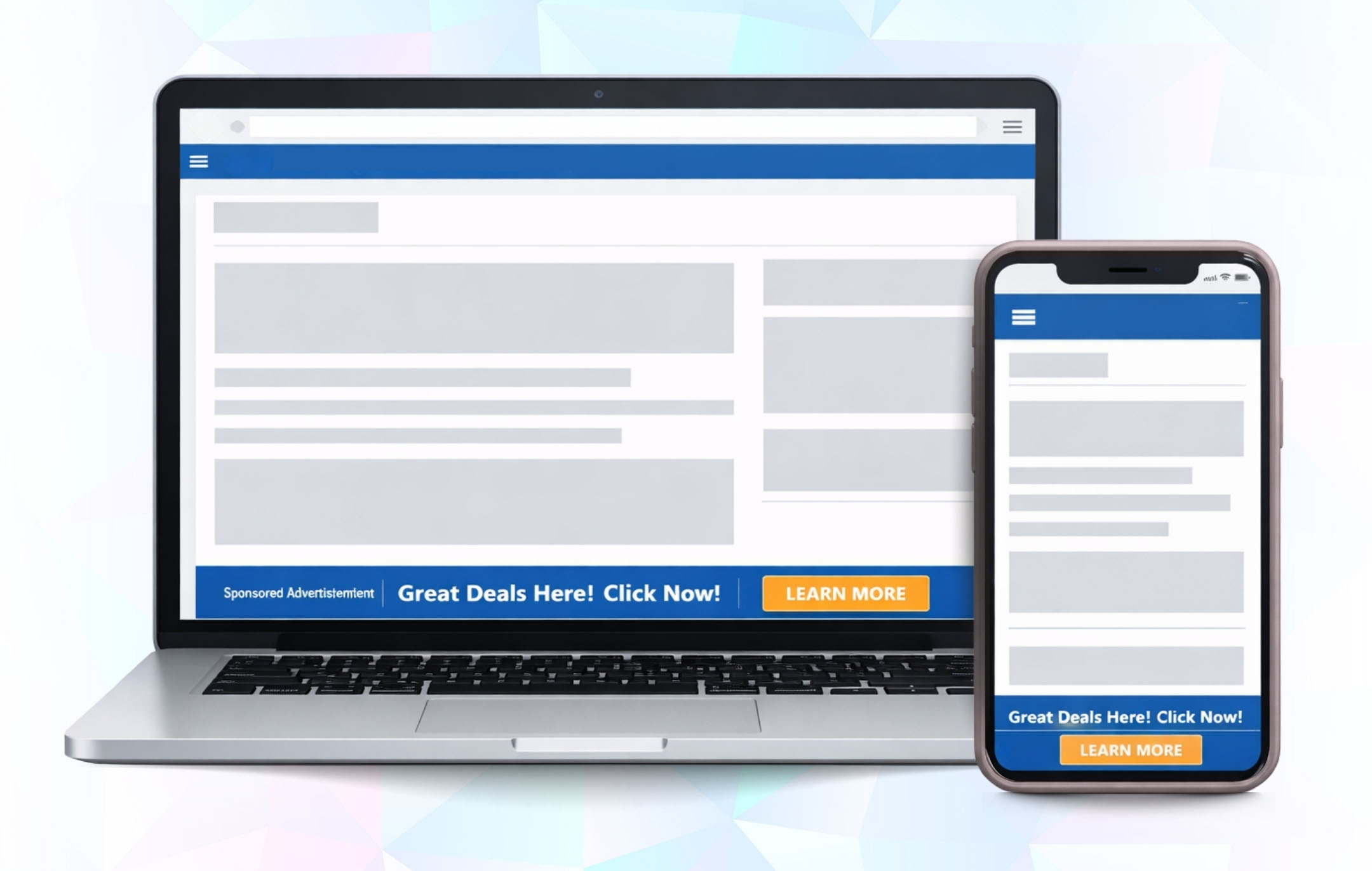
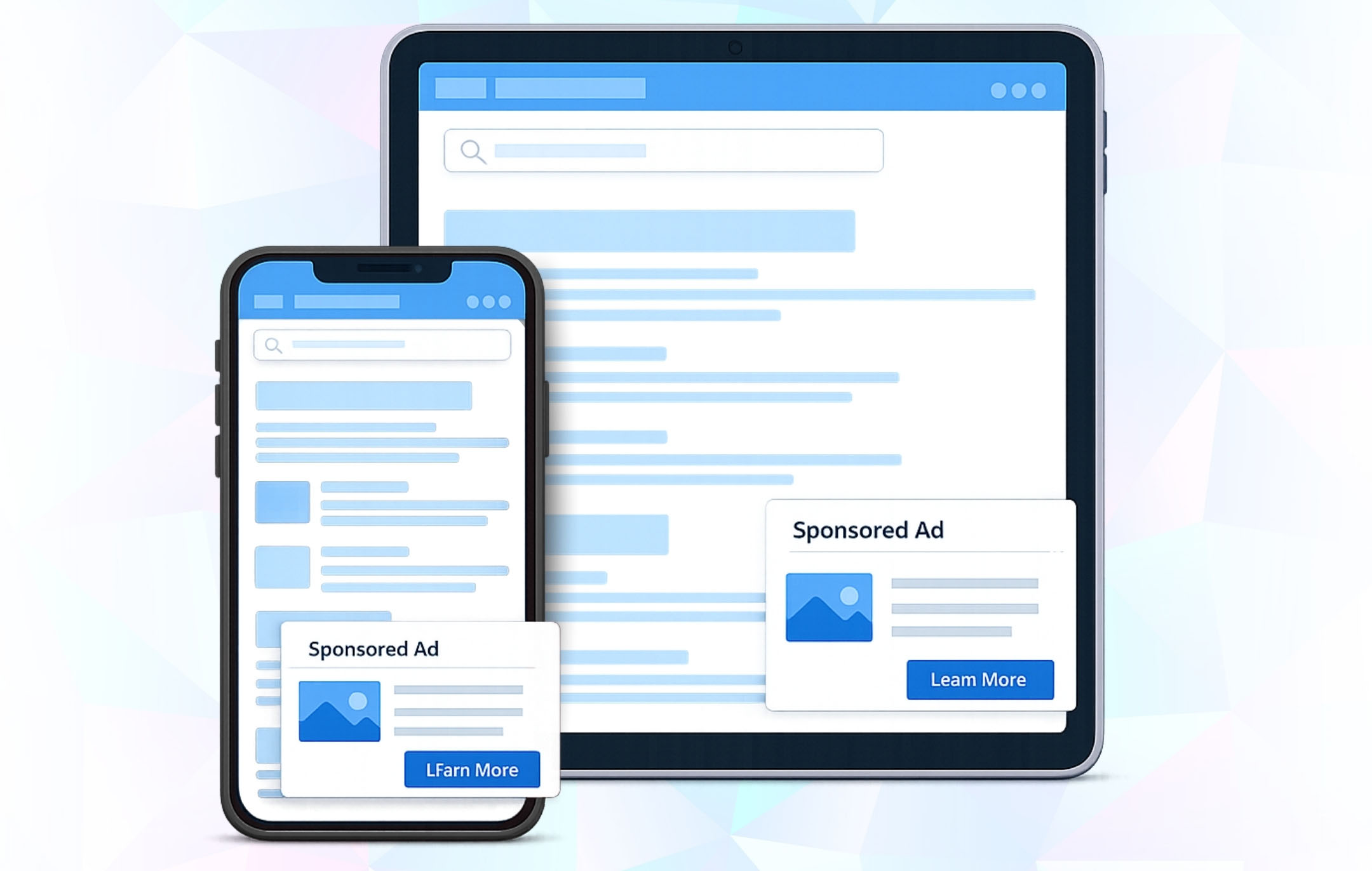
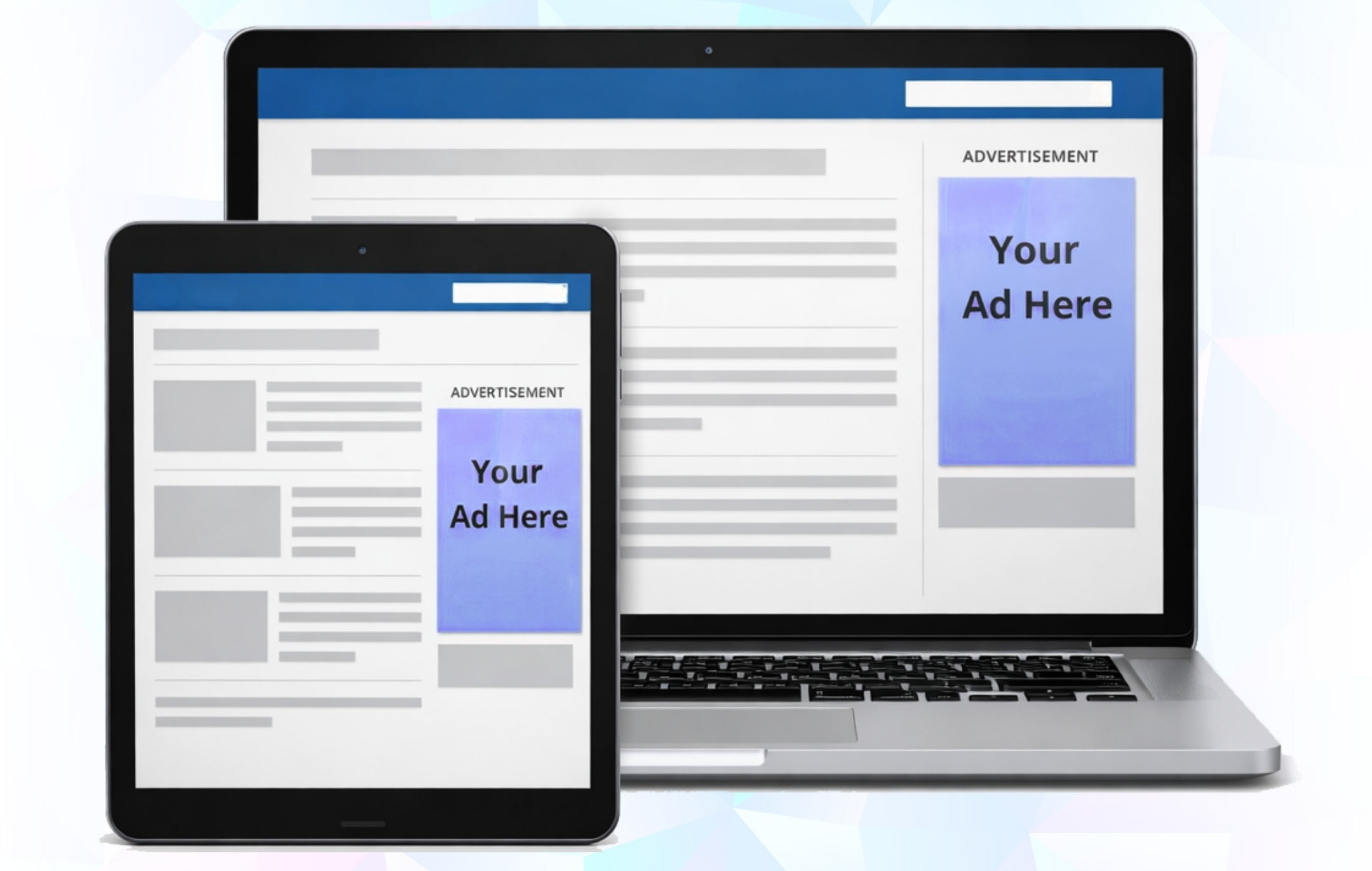
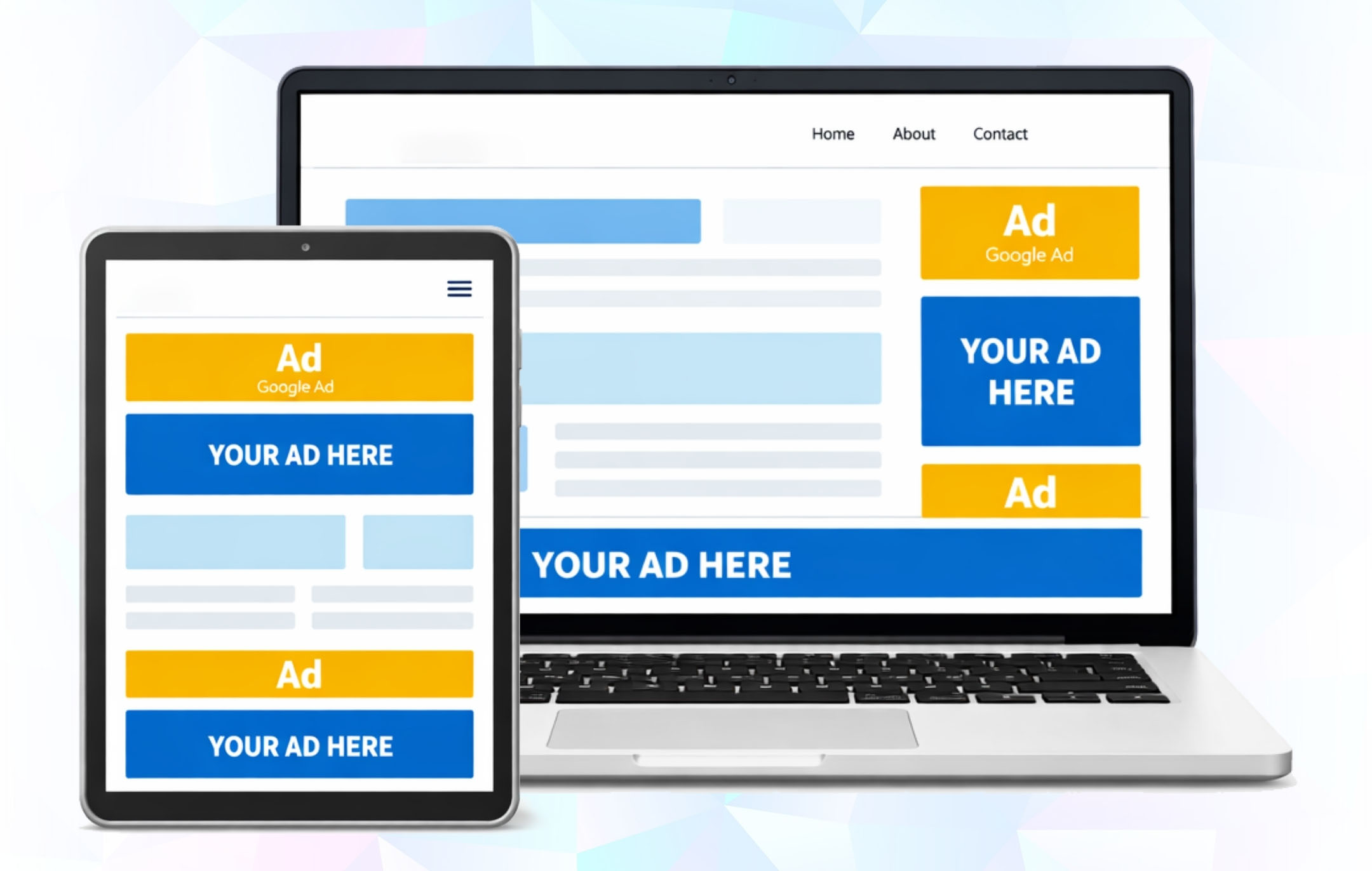
Easily integrate your WordPress site with Google Ad Manager. Manage ads seamlessly without any coding, bulk import your ad units in minutes, and place them anywhere on your site. With responsive layouts, smart targeting, and real-time control, you can maximize revenue while keeping setup simple.

#
PLUG IN, SET UP, START EARNING.

How It Works

Getting started is quick and easy. Just follow three simple steps to connect your website, configure your settings, and start monetizing effortlessly.

01

Install & Activate the plugin

Quickly add the GAM Connect plugin to your WordPress site and activate it with just a click.

02

Connect your AdX account

Securely link your AdX account by entering your API credentials — no complicated setup required.

03

Create your first ad

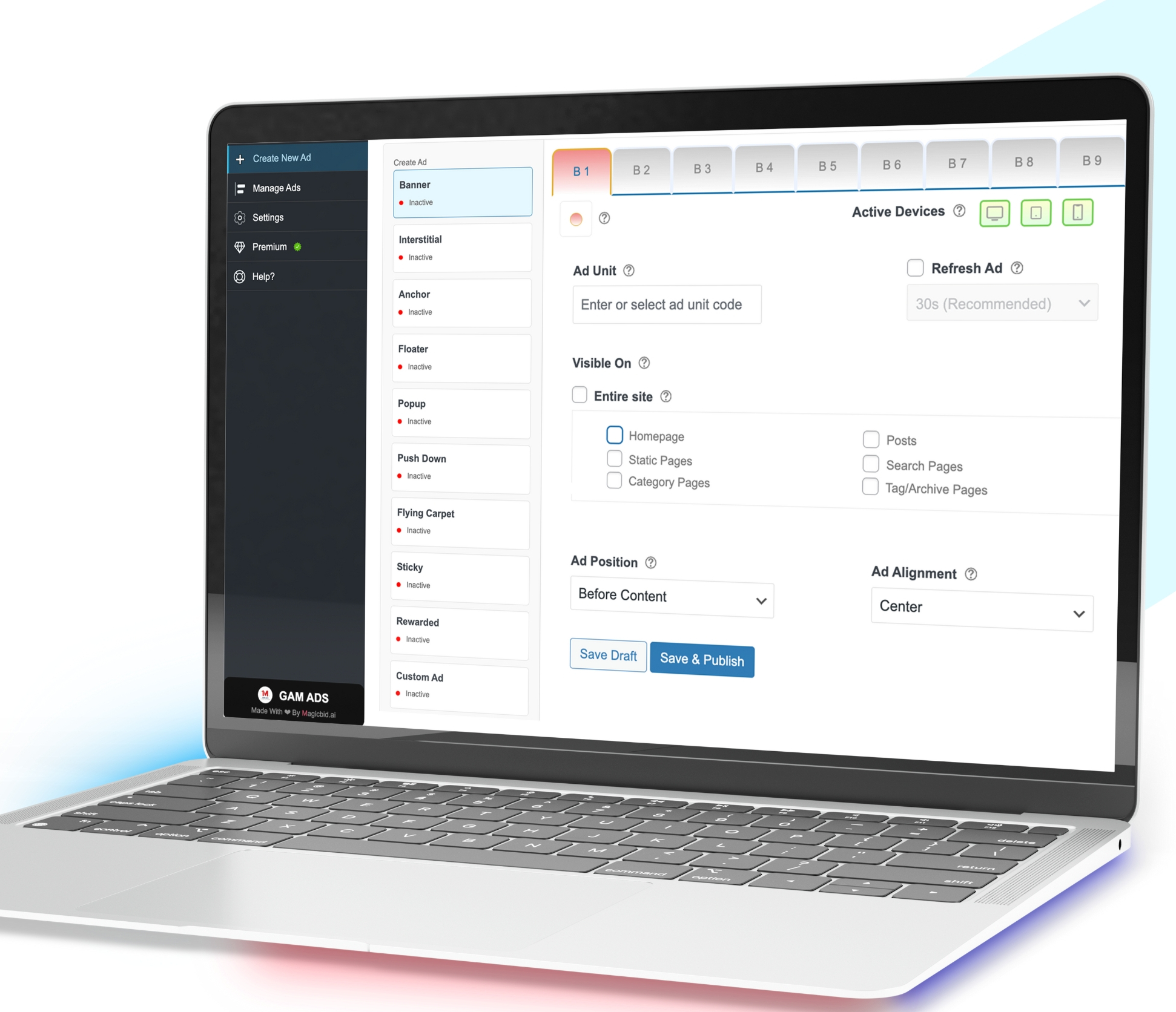
Design your first ad in minutes and publish it across posts, pages, widgets, or placements using banner, or sticky.

04

Manage all your ads

Turn ads on or off, edit settings, check performance, and keep track of what’s live — all inside WordPress.

Key Benefits

Key Benefits
  • 1

    Integration Made Easy

    Quickly connect your WordPress site with Google Ad Manager — no coding required.

  • 2

    Create & Manage Ads

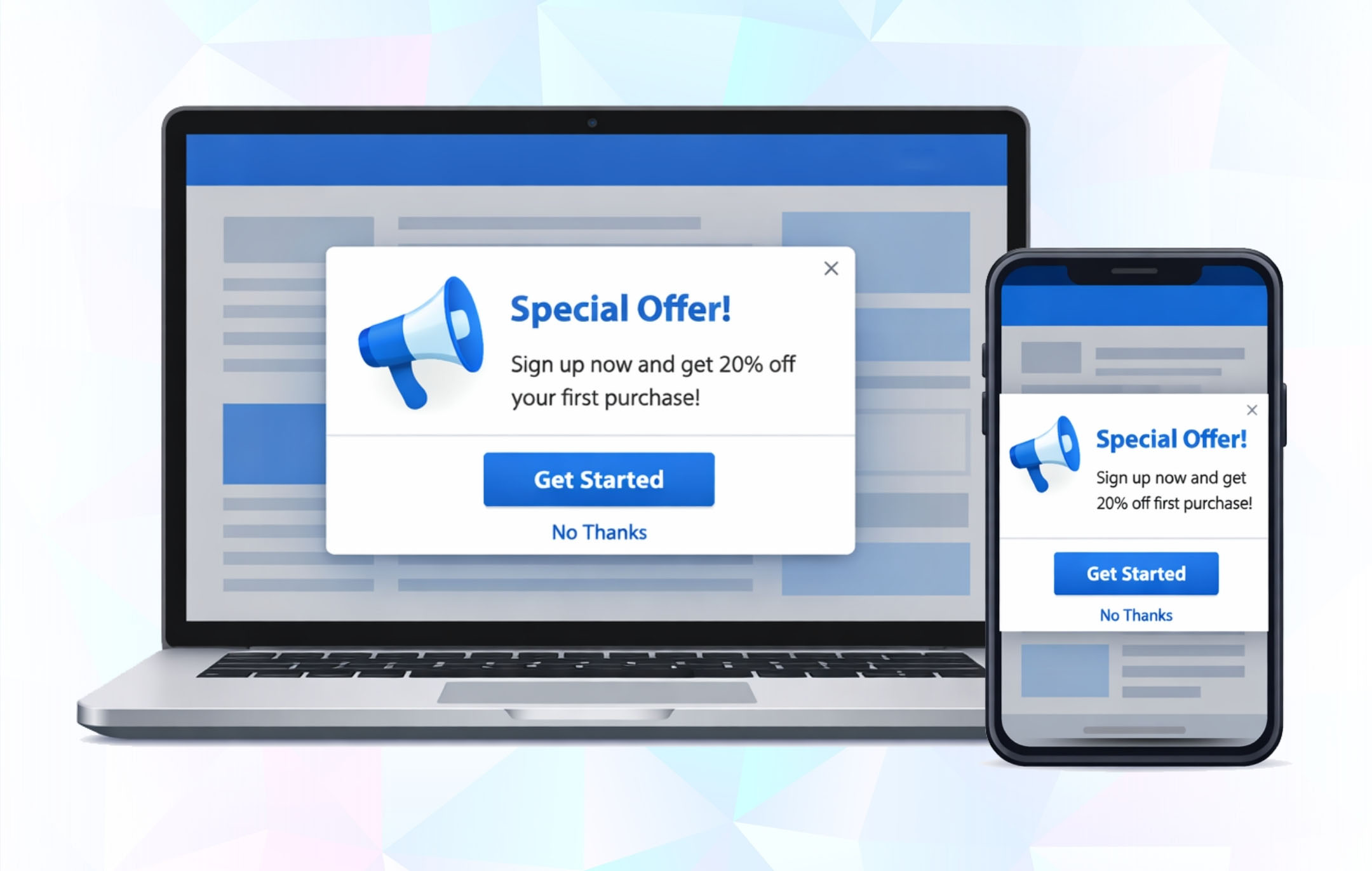
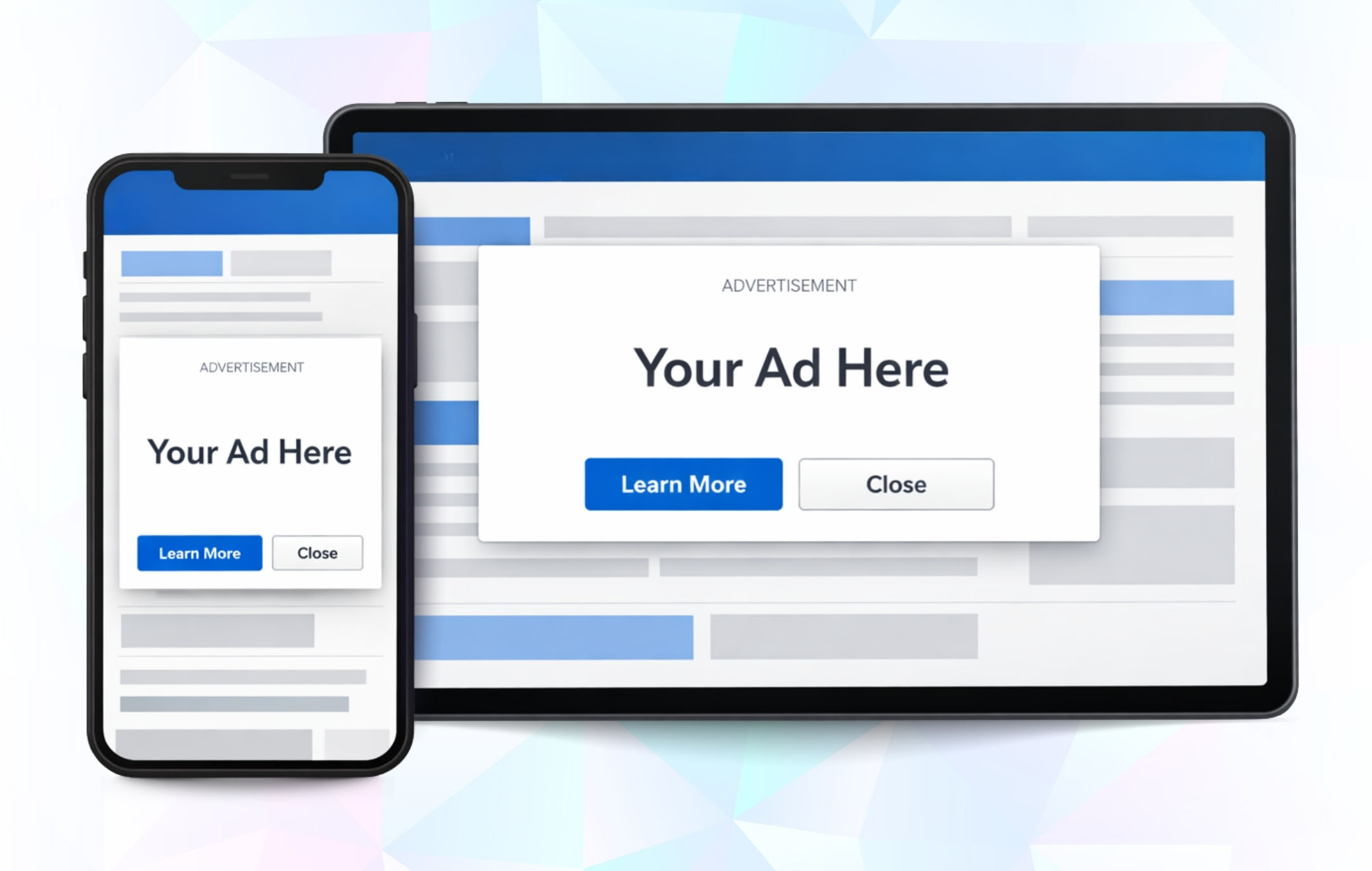
    Set up banners, videos, sticky, and interstitial ads in just a few clicks.

  • 3

    Smart Ad Placement

    Insert ads into widget areas, posts, or predefined placements without hassle.

  • 4

    Real-Time Control

    Track ad status (active, paused, expired) and adjust instantly.

  • 5

    Scalable Setup

    Start free and unlock advanced features anytime with the premium plan.

See it in action

Watch How GAM Connect Works

A quick walkthrough of how to install the plugin, connect Google Ad Manager, and create your first ad in just minutes.

Pricing Plans

Plans Designed for Your Success

Explore flexible plans designed to match your needs. Get started with essential features for free or unlock advanced tools to maximize your growth.

Free

Everything you need to get started with ads – essential formats and core features.

Free

Ads

  • Banner Ads
  • Interstitial Ads
  • Anchor Ads
  • Floating Ads

Features

  • Responsive Ad Sizes
  • Built-in Placements
  • Device-Based Targeting
  • Custom Code Integration

Monthly

Unlock all advanced ad formats and powerful features for maximum revenue growth.

$25/Month

Ads

  • Banner Ads
  • Interstitial Ads
  • Anchor Ads
  • Floating Ads
  • Popup Ads
  • Push-Down Ads
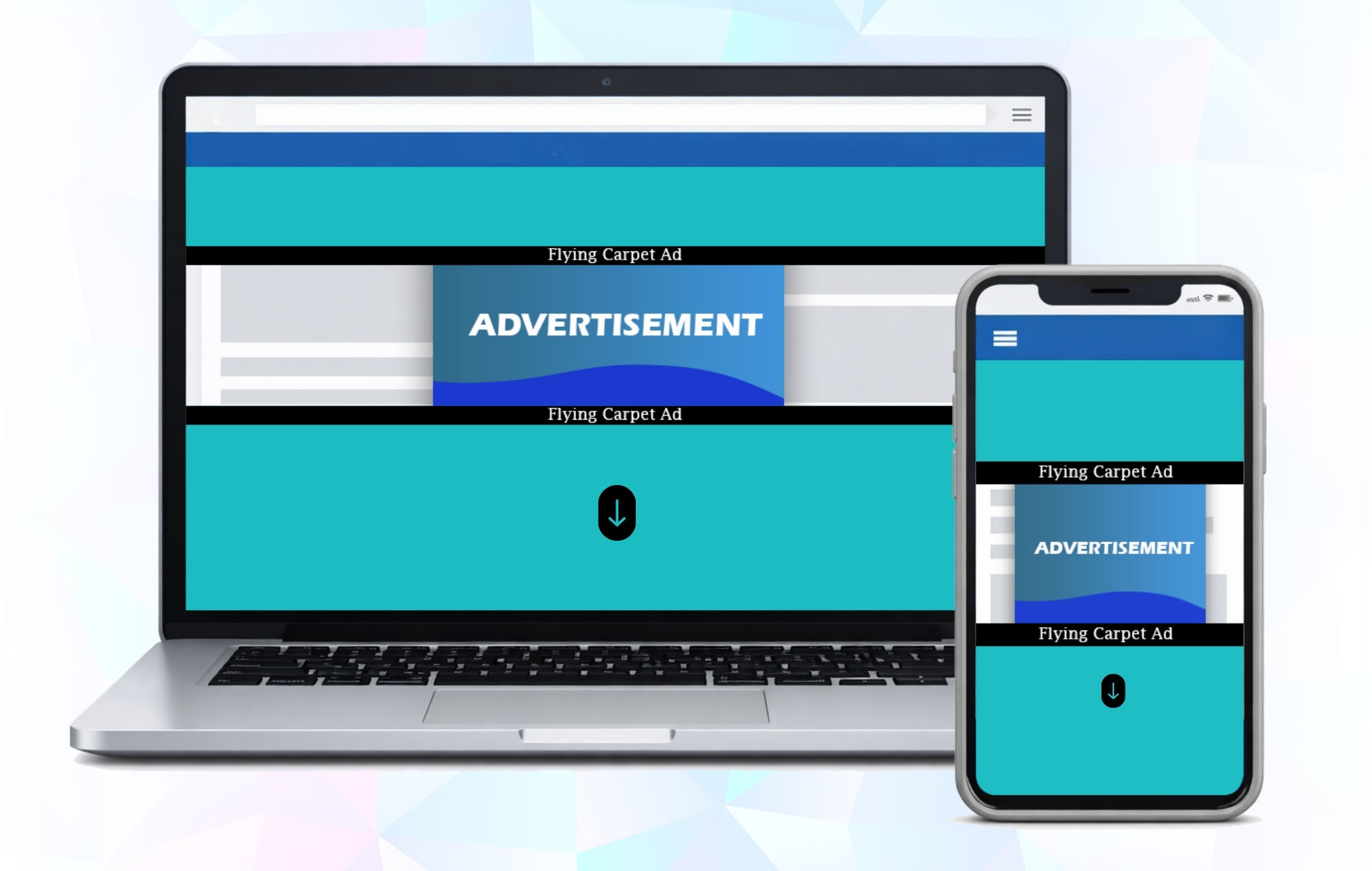
  • Flying Carpet Ads
  • Sticky Ads
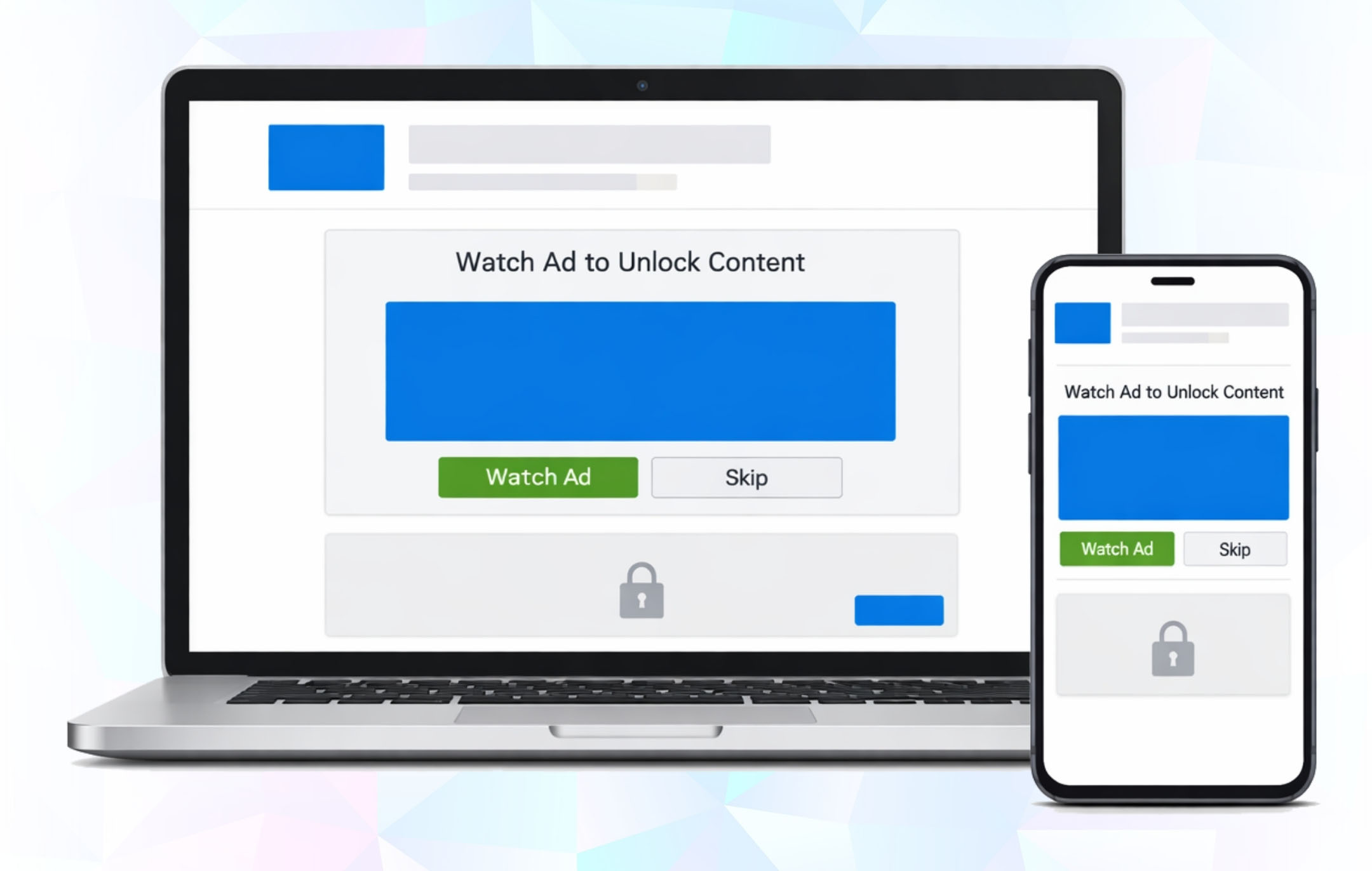
  • Rewarded Ads

Features

  • Responsive Ad Sizes
  • Built-in Placements
  • Device-Based Targeting
  • Auto Ad Refreshing
  • Enhanced Visibility Tools
  • Banner Labeling
  • Custom Code Integration
  • Priority Support

Annually

Unlock all advanced ad formats and powerful features for maximum revenue growth.

$250/Year

Ads

  • Banner Ads
  • Interstitial Ads
  • Anchor Ads
  • Floating Ads
  • Popup Ads
  • Push-Down Ads
  • Flying Carpet Ads
  • Sticky Ads
  • Rewarded Ads

Features

  • Responsive Ad Sizes
  • Built-in Placements
  • Device-Based Targeting
  • Auto Ad Refreshing
  • Enhanced Visibility Tools
  • Banner Labeling
  • Custom Code Integration
  • Priority Support

Top Features

Why Publishers Love GAM Press

Code-free placement

Place ad units without touching code

Automatic code matching

No manual head/body code edits

Bulk ad import

Import multiple ad units at once

Responsive size mapping

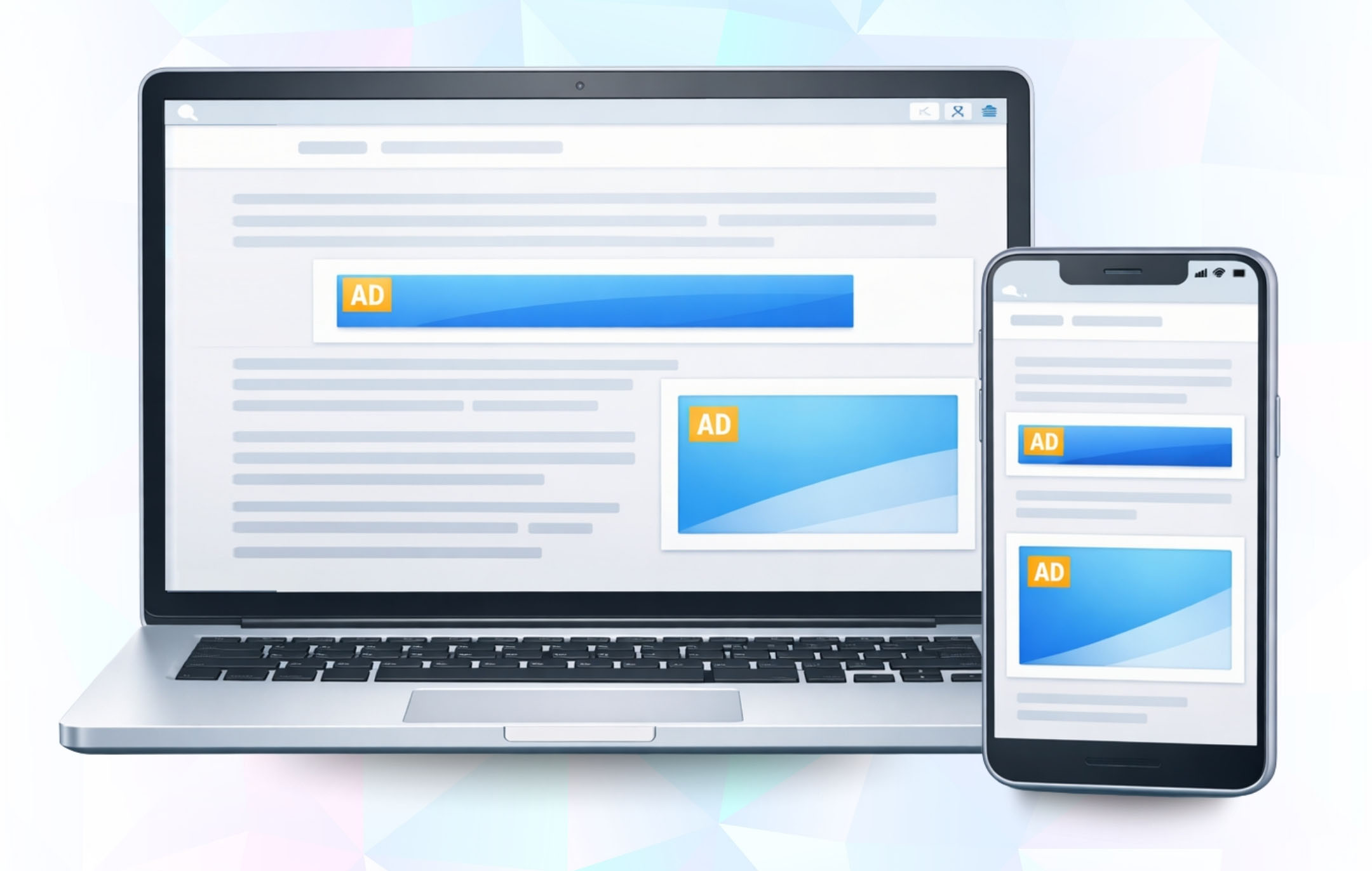
Ads adjust across devices

Key-values targeting

Deliver ads by category, tag, or placement

Auto refresh

Refresh ads automatically for higher impressions

Ad collapsing

Prevent empty ad spaces and improve site layout with smart collapsing.

Advanced Ads integration

Works with auto content injection, cache busting, visitor conditions

GAM 360 support

Compatible with Google Ad Manager and GAM 360

Don't miss any updates!

Get the latest directly to your inbox
Unsubscribe at any time.

FAQs

AdX GAM Connect is a WordPress plugin that integrates your site directly with Google Ad Manager (AdX). It allows you to create and manage multiple ad formats, place them across your site, and track performance all from inside WordPress.

To run the plugin, you’ll need:

  • WordPress 5.5 or higher
  • PHP 7.4 or higher
  • MySQL 5.7 or higher
  • An active Google Ad Manager (AdX) account with API access enabled
Yes. A valid Google Ad Manager account is required to connect and serve ads through the plugin. Without it, you cannot import or manage ad units.
Absolutely. The plugin is designed for non-developers. Installation and setup are done through the WordPress dashboard with just a few clicks.

You can install the plugin in two ways:

  • From Dashboard: Go to Plugins → Add New → Upload Plugin, select the plugin .zip file, click Install Now, then Activate.
  • Via FTP: Upload the extracted plugin folder to /wp-content/plugins/, then activate it from the WordPress dashboard.

After activating the plugin:

  • Go to AdX GAM Connect → Settings.
  • Click Connect Google Ad Manager.
  • Log in with your Google account linked to GAM.
  • Copy the authorization code provided.
  • Paste the code into the plugin and click Save & Get Token.
  • Once connected, you’ll see “Connected to Google Ad Manager.”
Go to Settings in the plugin, select the new Google account or GAM network, and save the changes. The plugin will then pull ad units from the new account.
You can create banner ads, interstitials, anchor ads, floater ads, sticky units, popups, and video ads all managed from within WordPress.
Yes. Ad units must first be created in your Google Ad Manager account. Once available, they can be selected from the dropdown inside the plugin.
Yes. When creating ads, you can enable the Responsive option. This ensures ad units adjust automatically to fit desktop, tablet, and mobile screen sizes.
Yes. During ad setup, you can choose Entire Site to display everywhere or restrict delivery to selected posts, pages, or categories.
You can set ads to appear above or below content, in sidebars, or as sticky placements. Alignment options include left, right, or center, depending on your site layout.
From the Manage Ads section in the plugin, you can enable or disable ads with a single click.
Yes. Ads can be edited, updated, or deleted at any time from the Manage Ads dashboard.
All active and saved ads appear in the Manage Ads section. From here, you can review details, adjust settings, or remove ads.

Common reasons include:

  • The ad unit hasn’t been approved or trafficked in GAM.
  • Page caching is delaying updates.
  • An ad blocker is hiding the unit.
  • The placement or targeting rules don’t match your page.

Try clearing cache, disabling ad blockers, and verifying GAM settings.

Go to Settings in the plugin. If the connection is active, you’ll see a message: “Connected to Google Ad Manager.” If not, reconnect using your Google account and token.
This usually means the ad unit hasn’t been created in Google Ad Manager yet, or the selected GAM account/network doesn’t have access to it. Double-check that the ad unit exists in GAM and you’re connected to the correct account.
# #

What Our Clients Say

"The premium plan is a game changer. Auto-refresh and advanced ad formats instantly boosted my impressions and revenue."

Daniel Carter

Founder of MediaTech Labs

"I love how simple the integration was. Just API credentials and everything synced with Google Ad Manager automatically."

Sofia Alvarez

Digital Marketer

"The ability to bulk import and manage all ad types has saved me hours every week. Exactly what I needed."

Mark Thompson

WordPress Developer

"The support team was incredible. Anytime I had a question, they responded quickly and helped me maximize the plugin’s potential."

James Lee

Tech Blogger

"Finally, a plugin that doesn’t just connect but actually optimizes. Real-time control over ad status is a huge plus."

Ritu Sharma

Independent Publisher

"GAM Connect made ad management effortless. Within minutes, I had my first ads running without touching a single line of code."

Priya Menon

Blogger & WordPress Publisher

Get in Touch

Have questions or need help? Contact our team — we respond quickly.
Send Us a Message

Powered by MagicBid